
How to Make the That Boy That Boy Dance AI Video, Step by Step
Updated October 29, 2026
Quick answer
Upload one clear photo of one adult to ThatBoyThatBoy, choose Just me (306 credits at 480p) or Caricature (same price), then generate. You get a vertical 9:16 MP4, 9 seconds long, with the AI-spoken "that boy, that boy, that boy sus" already in it. Download it and post — no editing, no filming in a car.
What You Need
- One photo — JPG, PNG or WebP up to 10 MB, at least 90,000 pixels. One adult, chest-up, facing the camera, both eyes visible.
- A ThatBoyThatBoy account. Sign-in is required before you can upload or generate.
- Credits: 306 for a 480p clip or 684 for 720p, whichever look you pick. $1 = 100 credits, and the smallest pack is $9.
Step 1 — Pick the Photo
Use a sharp, well-lit photo of one adult facing the camera, chest-up, with both eyes visible. The face, hair and outfit in that photo are carried into every frame, so a recent photo gives the most recognisable result. Sunglasses, masks, heavy beauty filters and wide group shots all hurt it.
Keep the expression fairly neutral. The routine opens deadpan and gets more dismissive from there; a big grin in the source photo tends to fight the joke. If the photo is smaller than 90,000 pixels the studio will reject it before upload.
Step 2 — Choose Just me or Caricature
Both looks use the same reference routine, the same 9 seconds and the same price. The only question is how you want to look in it.
| Look | What it does | Best photo | Credits |
|---|---|---|---|
| Just me | Keeps your own face, hair and outfit exactly as photographed through the whole routine | Chest-up, facing the camera, both eyes visible | 306 / 684 |
| Caricature | The same person, still recognisable, with bigger ears, wider eyes and bigger front teeth as a photoreal caricature | Chest-up, facing the camera, neutral expression | 306 / 684 |
Step 3 — Generate in the Studio
Open the studio, drop the photo into the single photo slot, pick the look and the resolution, and press Generate. Processing time varies by queue and resolution; the task status on the page updates as it runs, and you can leave the tab and come back.
When it finishes, the clip plays in the preview and a download button appears. Nothing is posted publicly by the site — the file is yours to download and publish wherever you want.
Step 4 — Download and Decide on the Sound
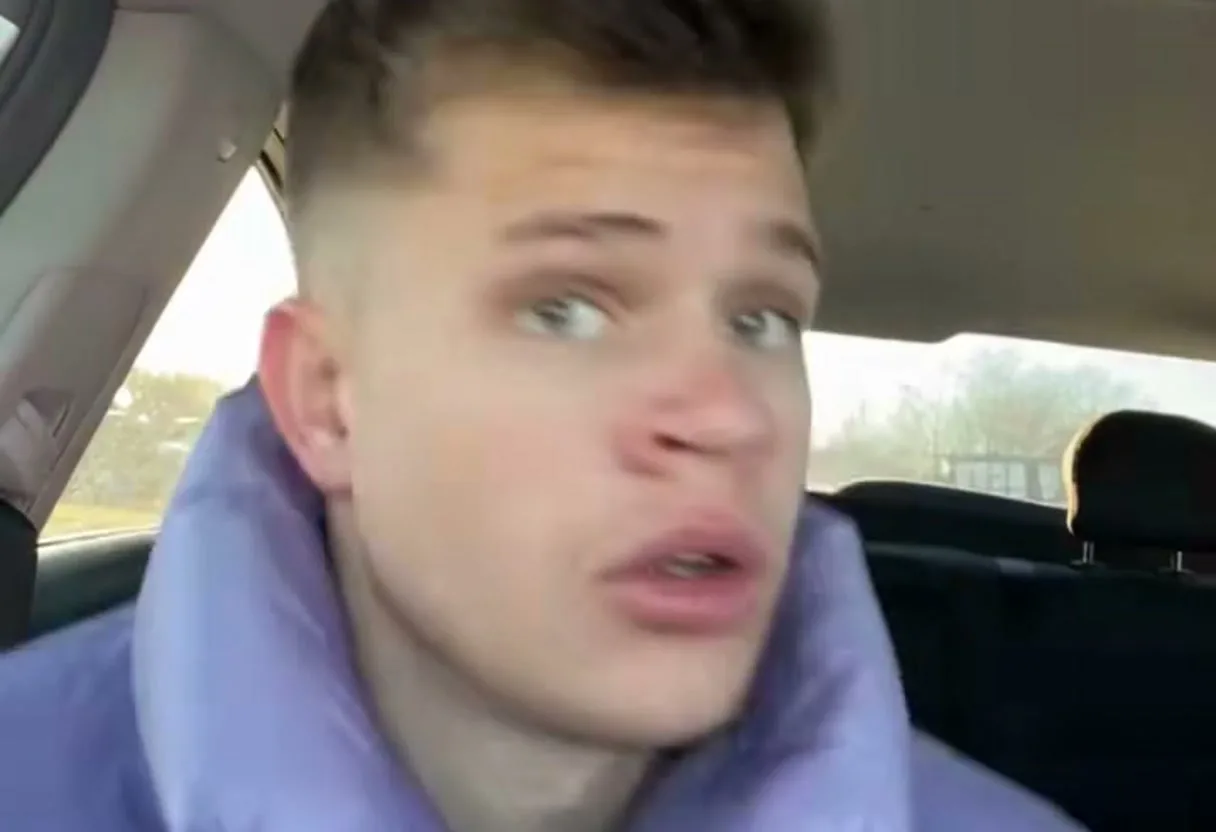
The MP4 already carries the chant: an AI voice says "that boy, that boy, that boy sus" close to the mic, with no music and no beat. It is a generated voice, not the original recording, and the lip-sync is not guaranteed to be word-perfect.
If you want the original song instead, upload the clip to TikTok or Reels, add the track from the app's sound library, then pull the clip's own volume down so the chant sits quietly under the music. The clip is vertical 9:16, so it fills the screen without cropping.
Step 5 — Post Responsibly
- Mark the video as AI-generated when the platform asks.
- Only upload photos of yourself or of an adult who agreed to it.
- Never use photos of minors, celebrities or other public figures — and ask a friend before you turn them into a caricature and post it.
Photo Do's and Don'ts
Do
- Use a sharp, front-facing photo in even daylight.
- Frame the head and shoulders so the face fills a good part of the image.
- Keep the expression neutral — the routine starts flat on purpose.
Don't
- Sunglasses, masks or heavy beauty filters.
- Strong side profiles, or a face smaller than a thumbnail.
- Motion blur, harsh shadows or group photos.
Troubleshooting
The face looks off in a few frames
A sharper, more front-facing photo is the usual fix. A face that is small in the frame, tilted away or half in shadow gives the model less to hold on to.
The clip came out without sound
Check the downloaded file in a player rather than in a muted browser tab, then confirm your phone's media volume. The chant is meant to be quiet and dry, so it can sound silent on a laptop speaker.
The generation is taking a while
Processing time varies with queue length and resolution. Leave the page open and watch the task status; when it finishes the clip appears in your history as well.
The result looks unlike the photo
Start from a higher-resolution photo with the face well lit and unobstructed, and avoid photos where the face is turned more than slightly. The clip keeps the face from the photo; it does not invent a new one.
Keep Reading
That Boy That Boy Dance AI FAQ
Upload one photo to ThatBoyThatBoy, choose Just me or Caricature, then generate. You get a 9-second vertical 9:16 MP4 with the AI-spoken chant in it, ready to download and post.